Getting Started
Easy way - Arduino IDE

The easiest way to use and test the MicroSui C-library is by using the Arduino IDE together with an ESP32 development board (any ESP32 model is supported).
You only need to install the Arduino IDE on your computer (available for all major operating systems).
Once installed, open it and go to "Sketch → Include Library → Manage Libraries". This will open the Arduino Library Manager, where you can search for and install the library "MicroSui (by Gustavo Belbruno)".
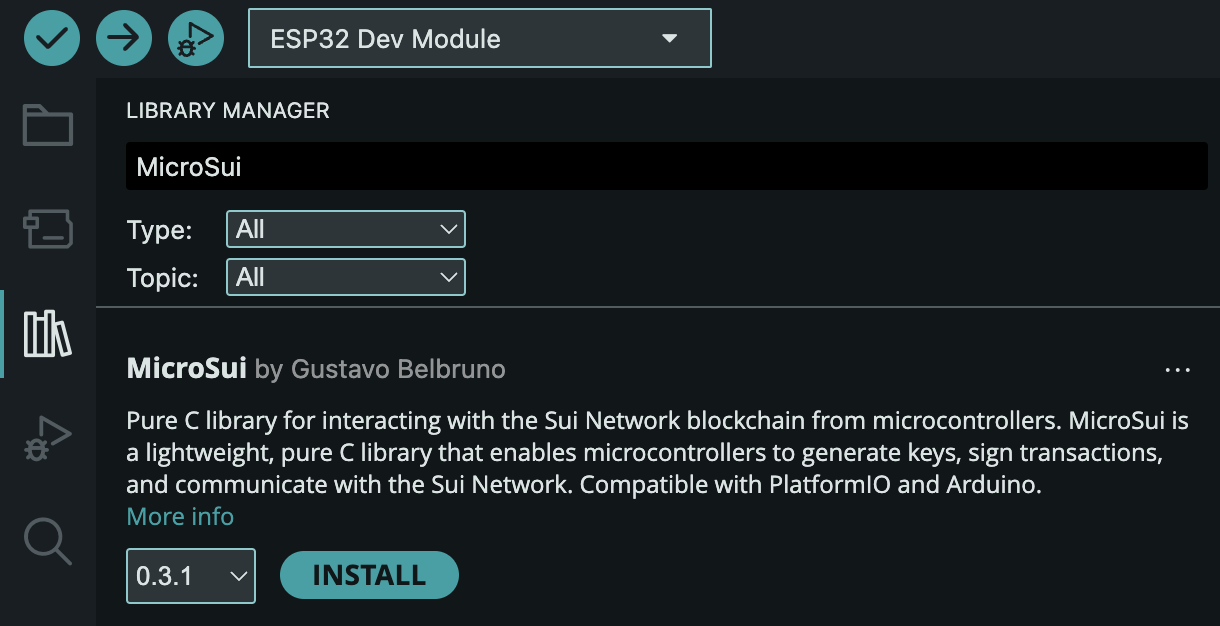
After installation, you will find several ready-to-use examples in the Examples section. These examples can be uploaded to the microcontroller of your choice.
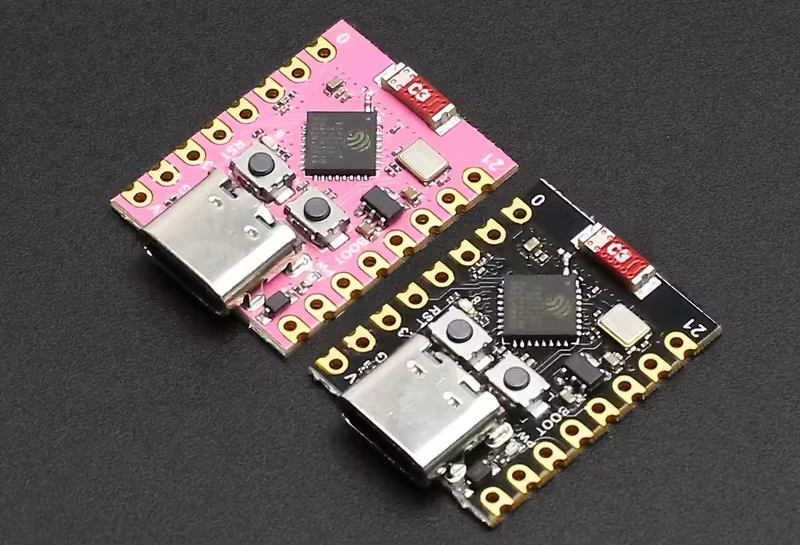
The ESP32 is the recommended option for testing and development, as it offers the highest level of compatibility and is widely available. In addition, ESP32 development boards can be found almost anywhere in the world at a very affordable price (typically between 3 and 10 USD).
You don’t need advanced hardware to get started.
An ESP32 development board and a USB cable are enough to run the examples.
Production-oriented dev for professional devices - PlatformIO

For professional hardware and embedded systems development, the recommended environment is PlatformIO. It is similar to the Arduino IDE, but offers broader support for boards and microcontrollers, along with a more structured and customizable development workflow.
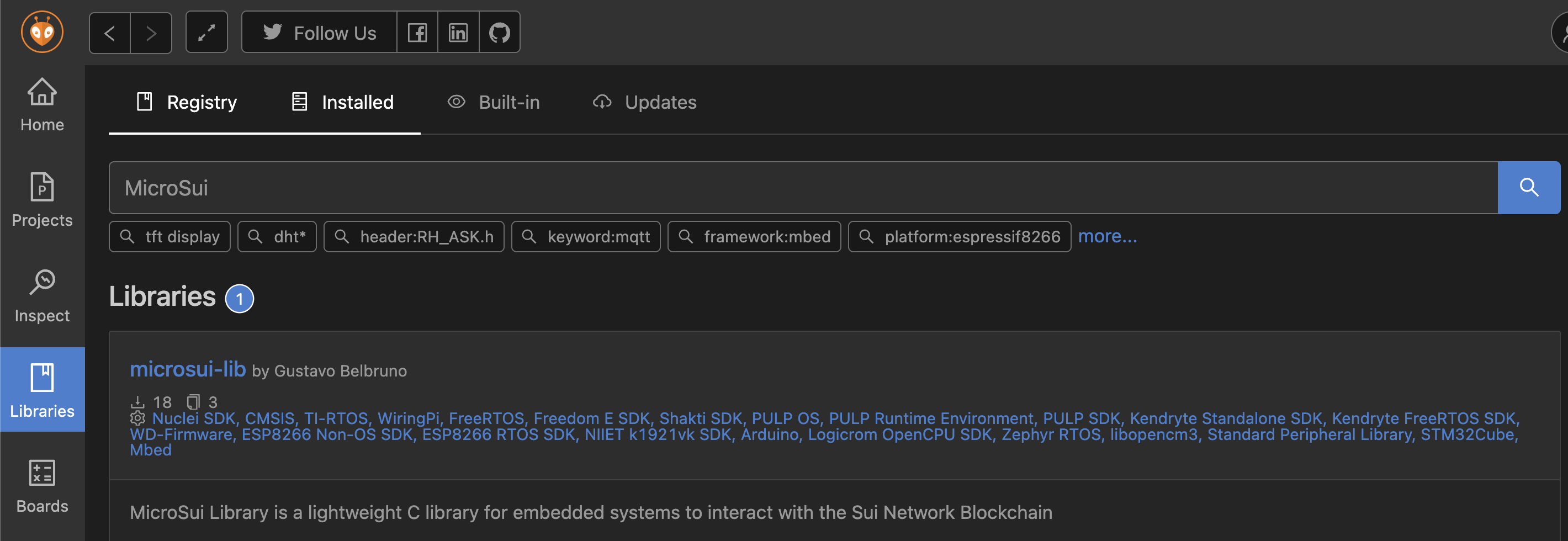
Just like in the Arduino IDE, the MicroSui library is available through the PlatformIO Library Manager. This means you can add MicroSui to a new or existing project in just a few clicks.
Mini comparison: Arduino IDE vs PlatformIO
| Feature | Arduino IDE | PlatformIO |
|---|---|---|
| Ease of use | ⭐⭐⭐⭐⭐ Very easy | ⭐⭐⭐ Medium |
| Setup time | Minutes | A bit longer |
| Supported boards | Good | Excellent |
| Project structure | Simple | More organized |
| Best for | Beginners, quick tests, prototypes | Professional and production setups |
Embedded engineer custom workflow: unsupported microcontrollers and language bindings
Some developers may need to work directly with the C source code of MicroSui, either to adapt it to less common or unsupported microcontrollers, or to create bindings for other programming languages.
In these cases, it is recommended to clone the repository and work directly with the project’s source code.
Clone the repository:
git clone https://github.com/MicroSui/microsui-lib.git
The core library code is located in the /src directory, while the most common usage examples can be found in /examples.
Which option should I choose?
If you are new to embedded development, or you just want to test MicroSui quickly, Arduino IDE is the best place to start.
If you are building a professional device, planning long-term development, or working with custom hardware, PlatformIO is the recommended option.
If you need full control over the code, want to support uncommon microcontrollers, or plan to create language bindings, cloning the repository and working directly with the source code is the best approach.
Ready to begin!
That’s it! you’re ready to begin.
Start with the examples, modify them at your own pace, and build confidence as you go.
MicroSui is built to support both learning and real-world projects.